Web App
The Rhylthyme web app is a browser-based interface for visualizing, creating, and executing real-time scheduling programs. It is available at www.rhylthyme.com.
Overview
The web app provides a complete environment for working with Rhylthyme programs without installing anything locally. Its main capabilities include:
- Visualization -- Five views (DAG, Timeline, Resources, Itinerary, Editor) for understanding program structure and execution
- Program Execution -- Run programs in real time with start/pause/stop controls and adjustable speed
- AI Chat Assistant -- Describe a workflow in plain English and have Claude generate a valid Rhylthyme program
- Import from External Sources -- Pull recipes from TheMealDB and Spoonacular, or lab protocols from protocols.io
- User Accounts -- Save programs to your account, share them via link, and browse public programs from other users
- Mobile Support -- Responsive layout with a tab-bar interface for phones and tablets
Layout
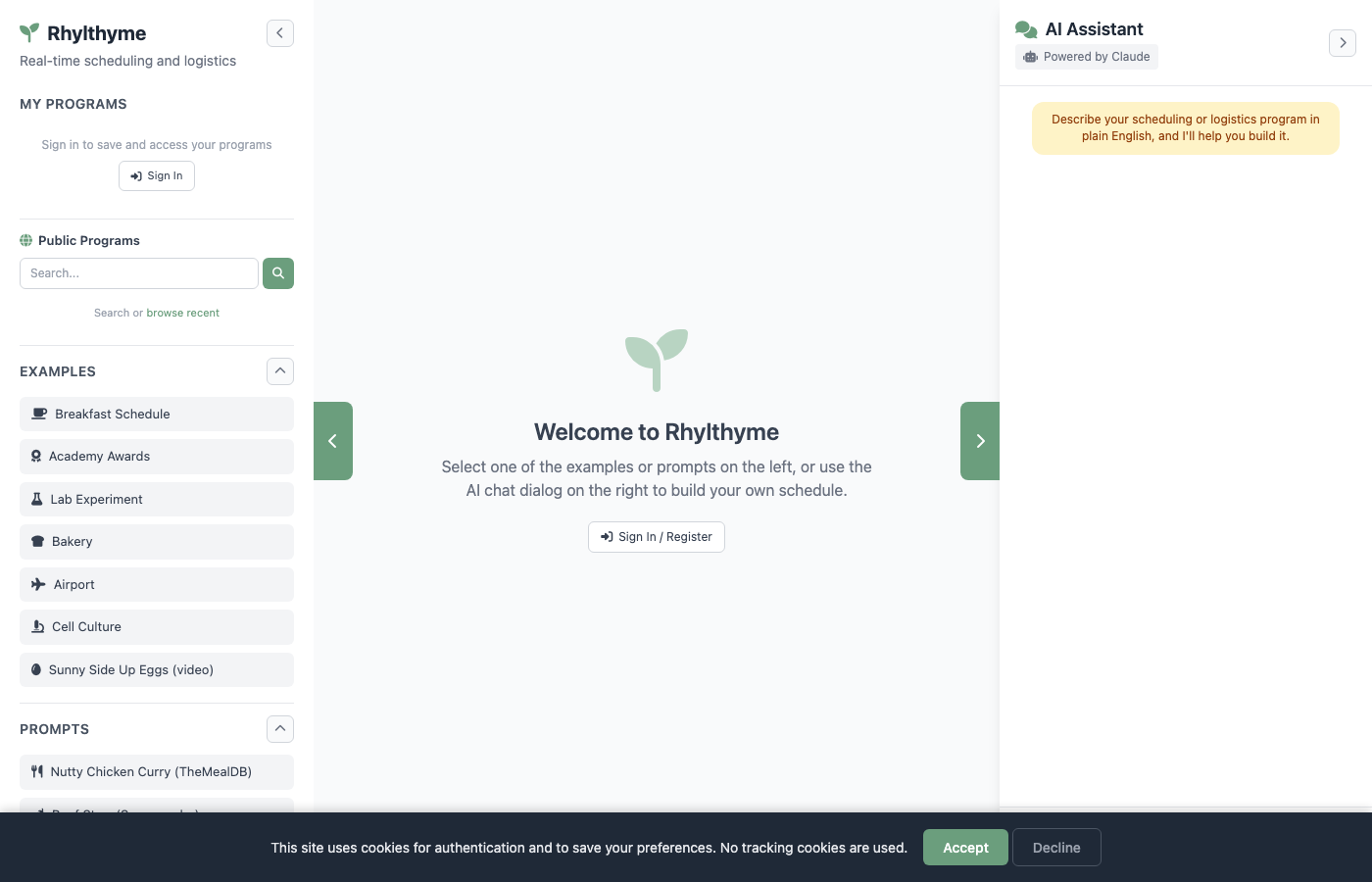
The interface is divided into three panels:
| Panel | Location | Purpose |
|---|---|---|
| Left Sidebar | Left edge, collapsible | Navigation: My Programs, Public Programs, Examples, Prompts, Upload, Load from URL |
| Main Content | Center | Program visualization with info bar, execution controls, and view toggles |
| Chat Panel | Right edge, collapsible and resizable | AI Assistant powered by Claude |
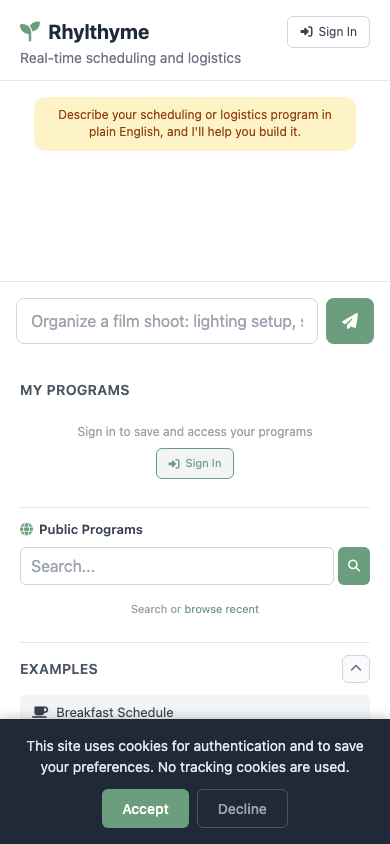
On mobile devices, the layout switches to a bottom tab bar with Home, Timeline, Itinerary, Chat, and Settings tabs.
Quick Tour
- Load a program -- Click any example in the left sidebar (such as "Breakfast Schedule") to see it visualized immediately.
- Explore views -- Use the view toggle bar at the bottom of the visualization to switch between DAG, Timeline, Resources, Itinerary, and Editor views.
- Run the program -- Press the Start button in the execution controls to watch the program execute in real time.
- Chat with the AI -- Type a description like "Create a schedule for making pasta with garlic bread" into the chat panel and the assistant will generate a program for you.
- Save and share -- Sign in to save programs to your account and share them with a link.
Hosted App
The web app is hosted at www.rhylthyme.com and requires no installation. All features including AI chat, import, and program execution are available immediately.
Next Steps
- Getting Started -- Loading examples, uploading programs, importing from URLs
- Visualization -- In-depth guide to the five views and program execution
- Chat -- Using the AI assistant to create and modify programs
- Account -- Sign in, save, share, profiles, and followers